Multiple models
Access models like those used in ChatGPT, Claude, and Google Gemini in one application.
Why AIChat
Blend multiple top models, fun brainstorming modes, and privacy-first defaults into a single playful desktop experience.
Access models like those used in ChatGPT, Claude, and Google Gemini in one application.
No registration, no data sharing. Group Brainstorm and Alternate Model are always on tap.
No hidden costs or subscriptions—AIChat stays open to everyone.
Your personal data never gets stored—only what’s needed to run the app.
Key features
Switch between playful assistants, compare outputs instantly, and keep creative momentum without touching a browser tab.
Use premium AI with no cost and no signup. Multiple AIChat models are available to you and stay unlocked.
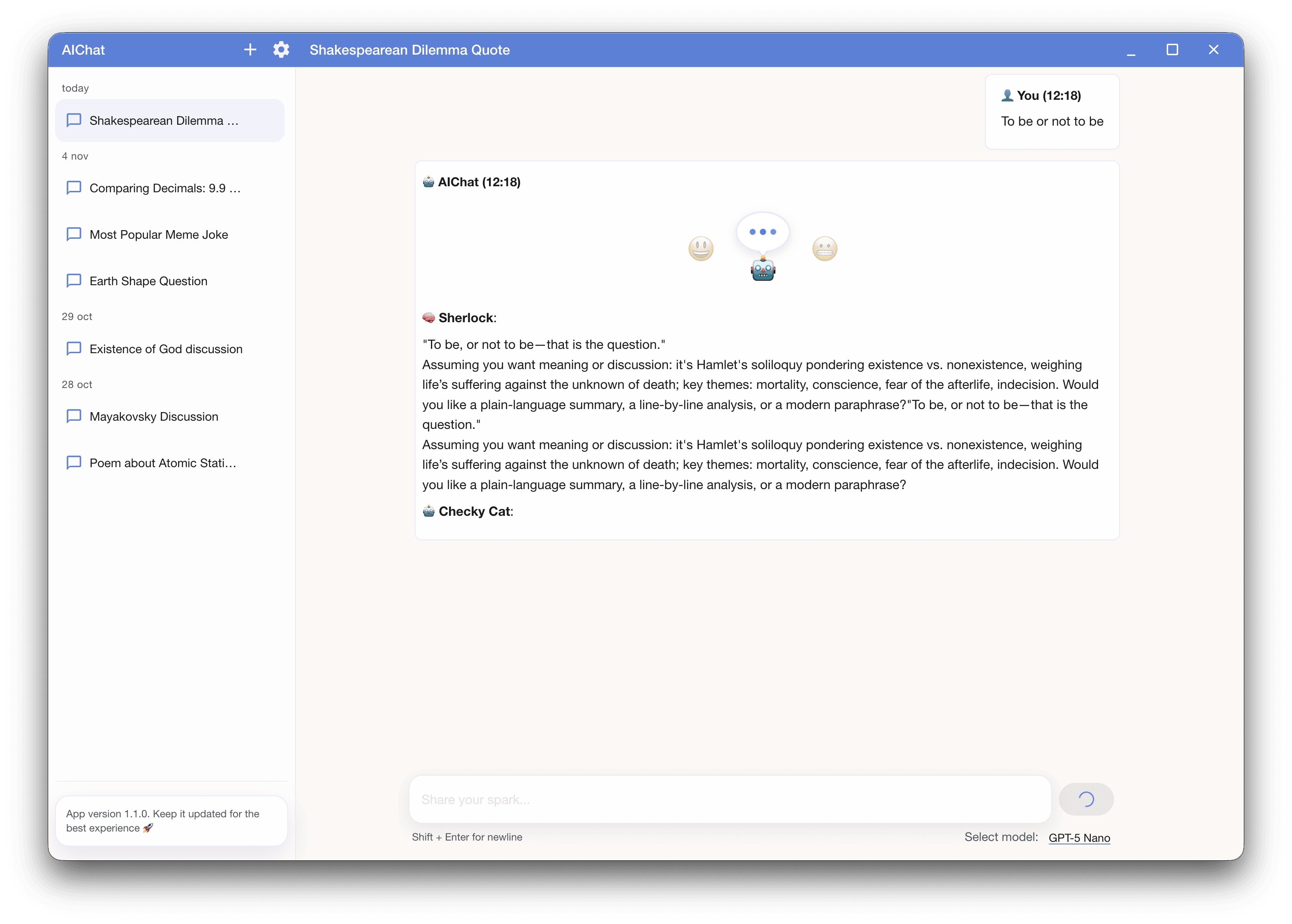
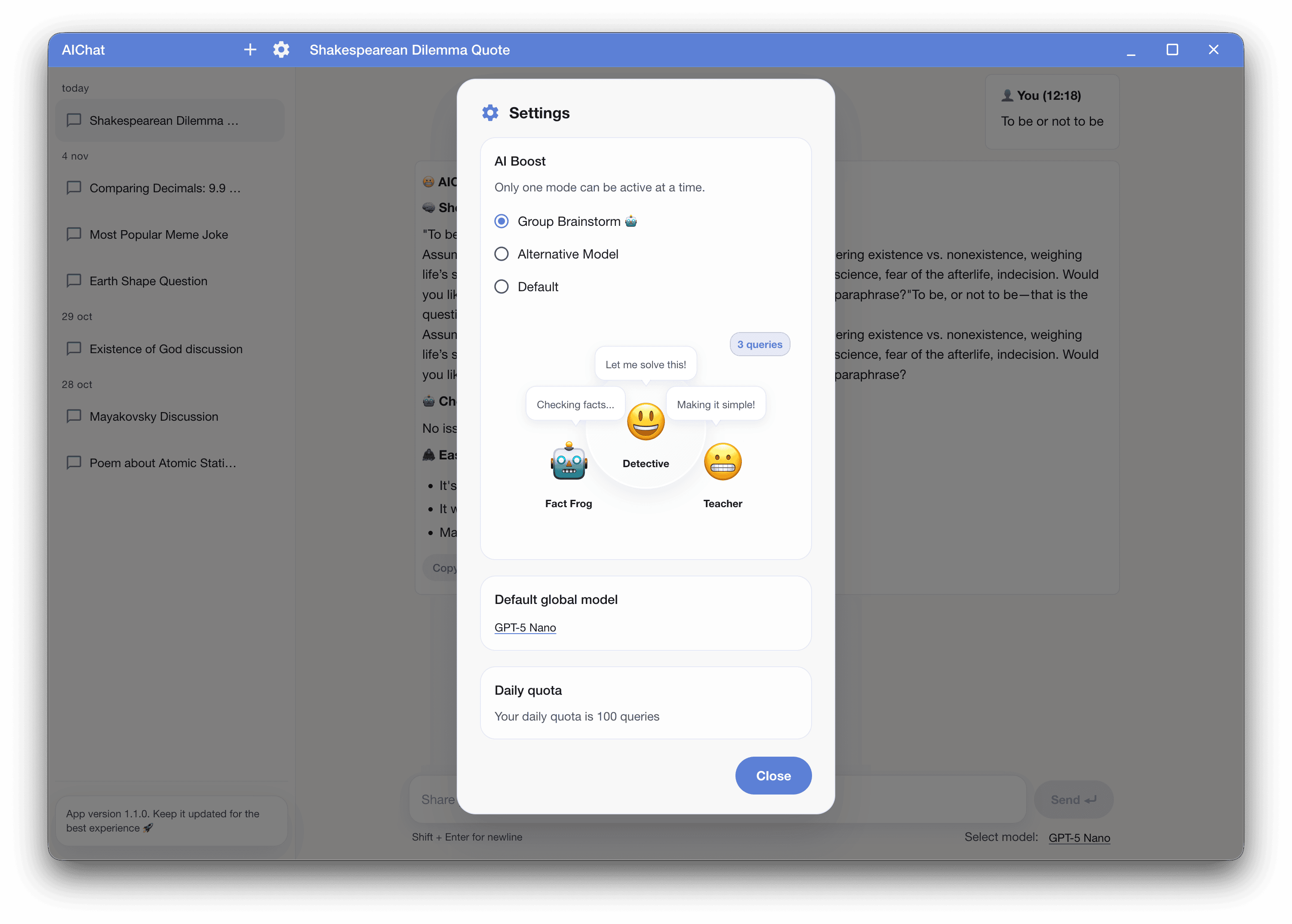
Feels like asking a group chat: a Solver drafts, a Fact Checker verifies, and a Summarizer distills it to the essentials.
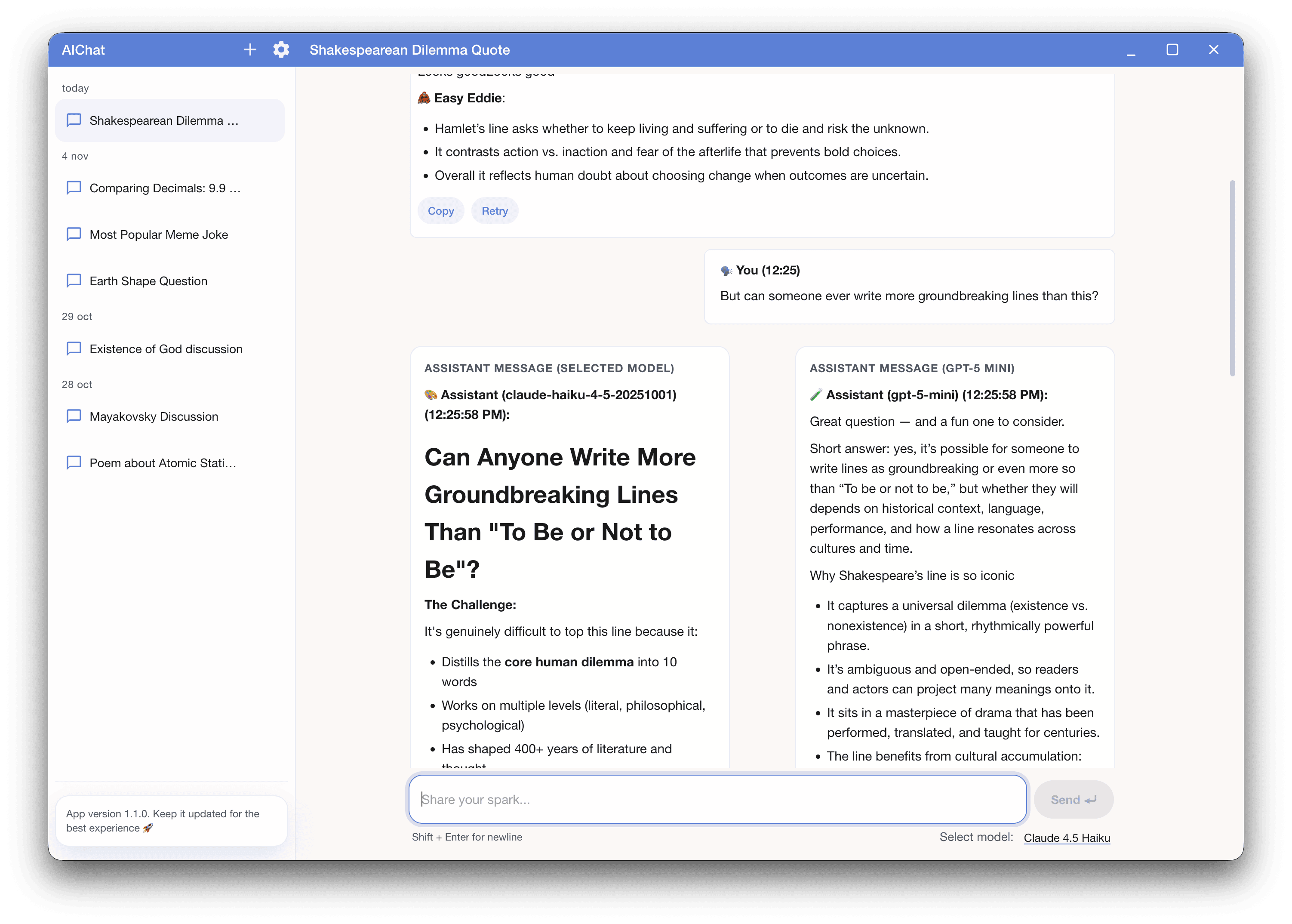
Compare two models side by side and pick the winning answer for results you truly love.
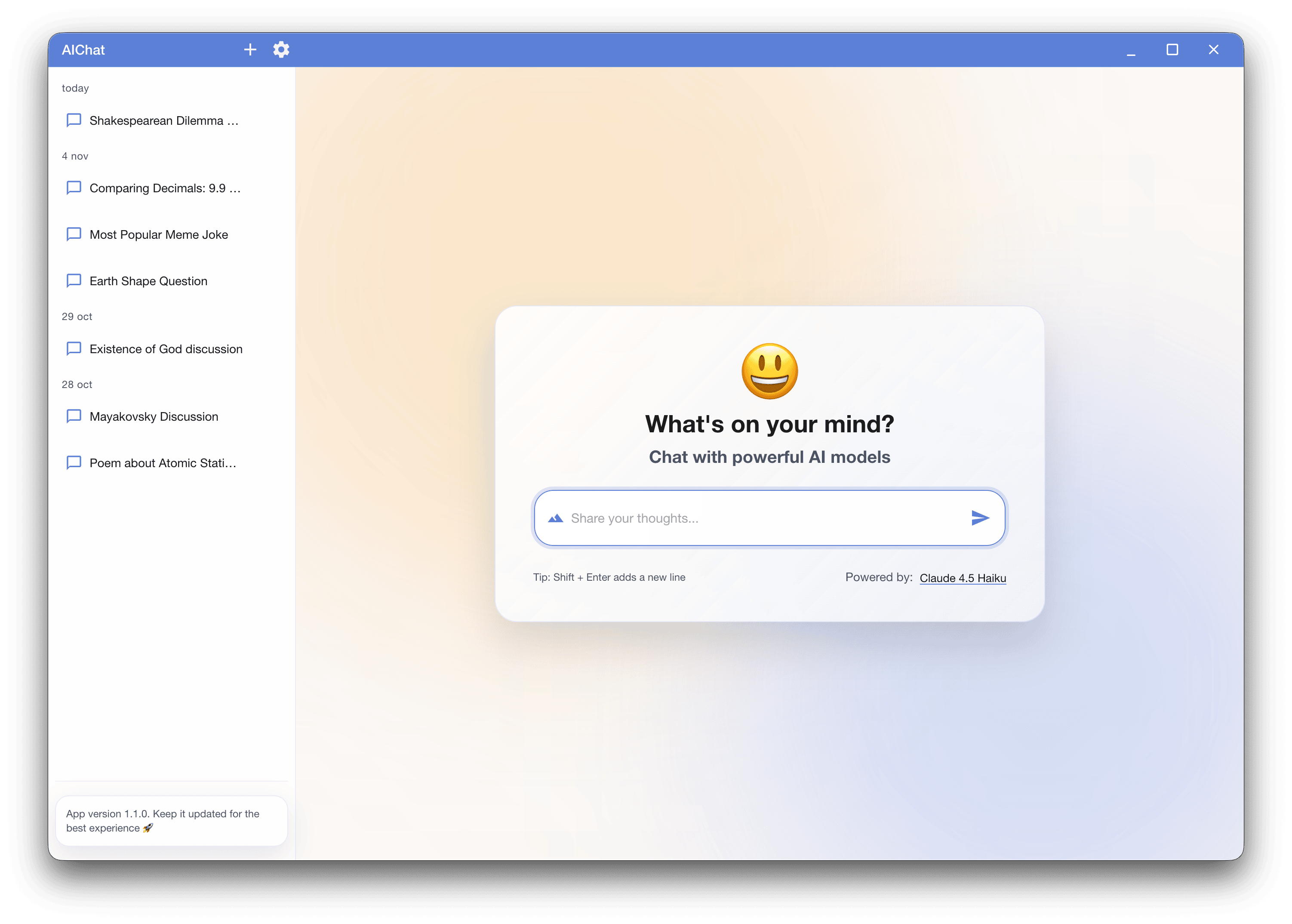
Interface preview
Modern, glass-inspired design, floating windows, and cheerful control panels make switching between tools surprisingly fun.
Click any screenshot to enlarge
Compatible with Windows 10/11 and others
© 2025 AIChat — Bringing modern AI to your desktop | www.aichat.rocks
Experience powerful AI models with a clean, intuitive interface
AIChat is waiting for you — click Download to continue.
Download